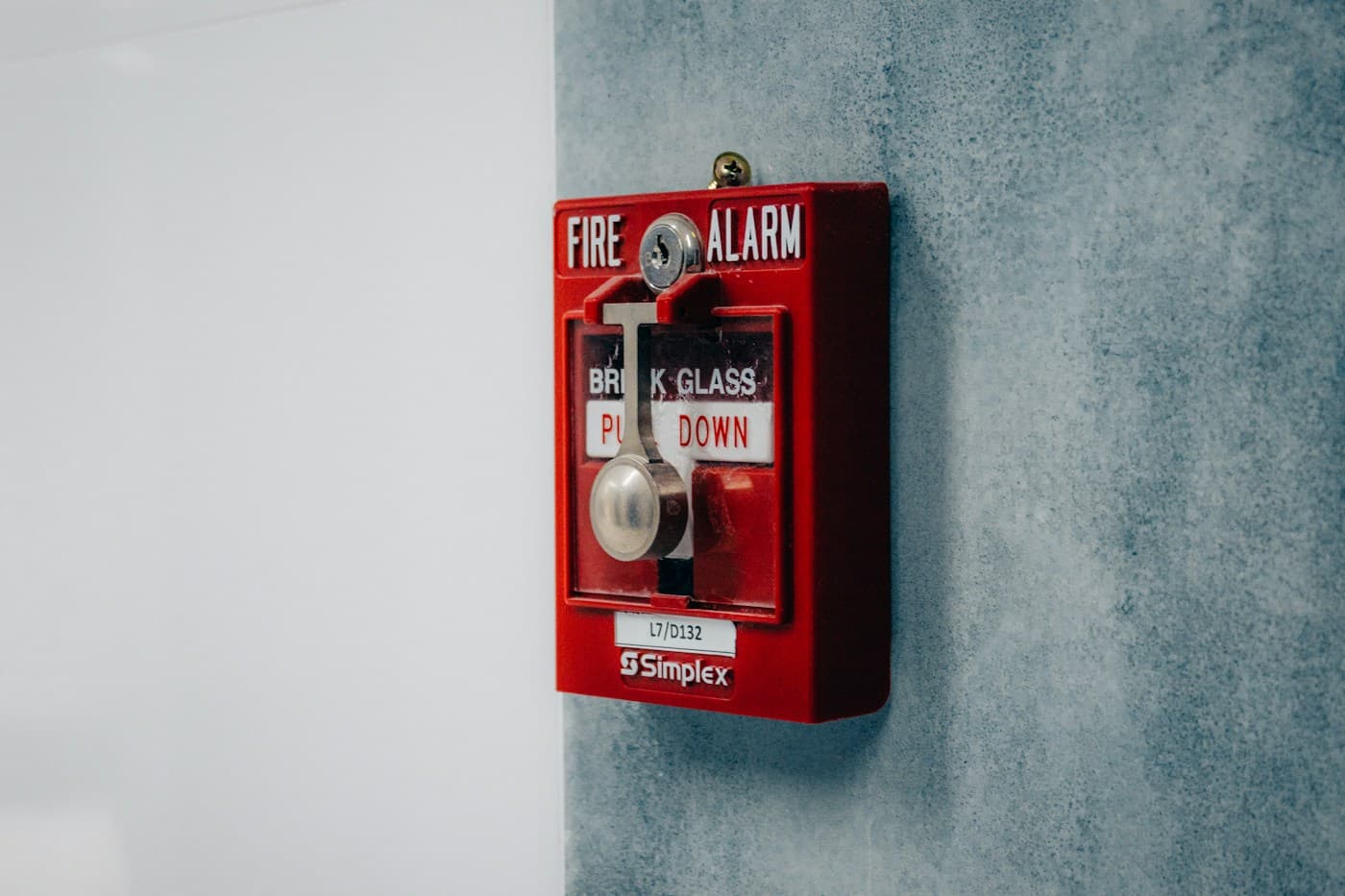
Inspection details
Keep site, system, schedule, technician, and inspection context attached before the field work starts.

FieldVero keeps inspection results, deficiency follow-up, report release, estimates, and billing connected so the office can finish the job.
Inspection follow-up
Inspection details can become scattered after the field visit. FieldVero keeps the report, deficiencies, customer communication, and next office action connected.

Keep site, system, schedule, technician, and inspection context attached before the field work starts.
Capture notes, photos, failed items, and recommended follow-up while the evidence is still tied to the job.
Review field notes and release inspection reports with less manual work between photos, PDFs, and office files.
Move deficiency follow-up into estimates, approvals, and billing without losing the inspection record that created the need.
How it works
A deficiency needs an owner, supporting details, and a clear repair path. FieldVero keeps that work visible after the inspection.
Technicians capture inspection results, notes, photos, and status against the correct site and system.
Office review can happen from one record instead of jumping between photos, files, and message threads.
Released reports remain connected to the field work, findings, and customer history that produced them.
Follow-up estimates, approvals, visits, and billing can point back to the original inspection record.
Best for
Related FieldVero tools
See how inspection work stays connected from the first request through billing.
See how field documentation stays attached from assignment through office review.
Get help with onboarding and product questions.