
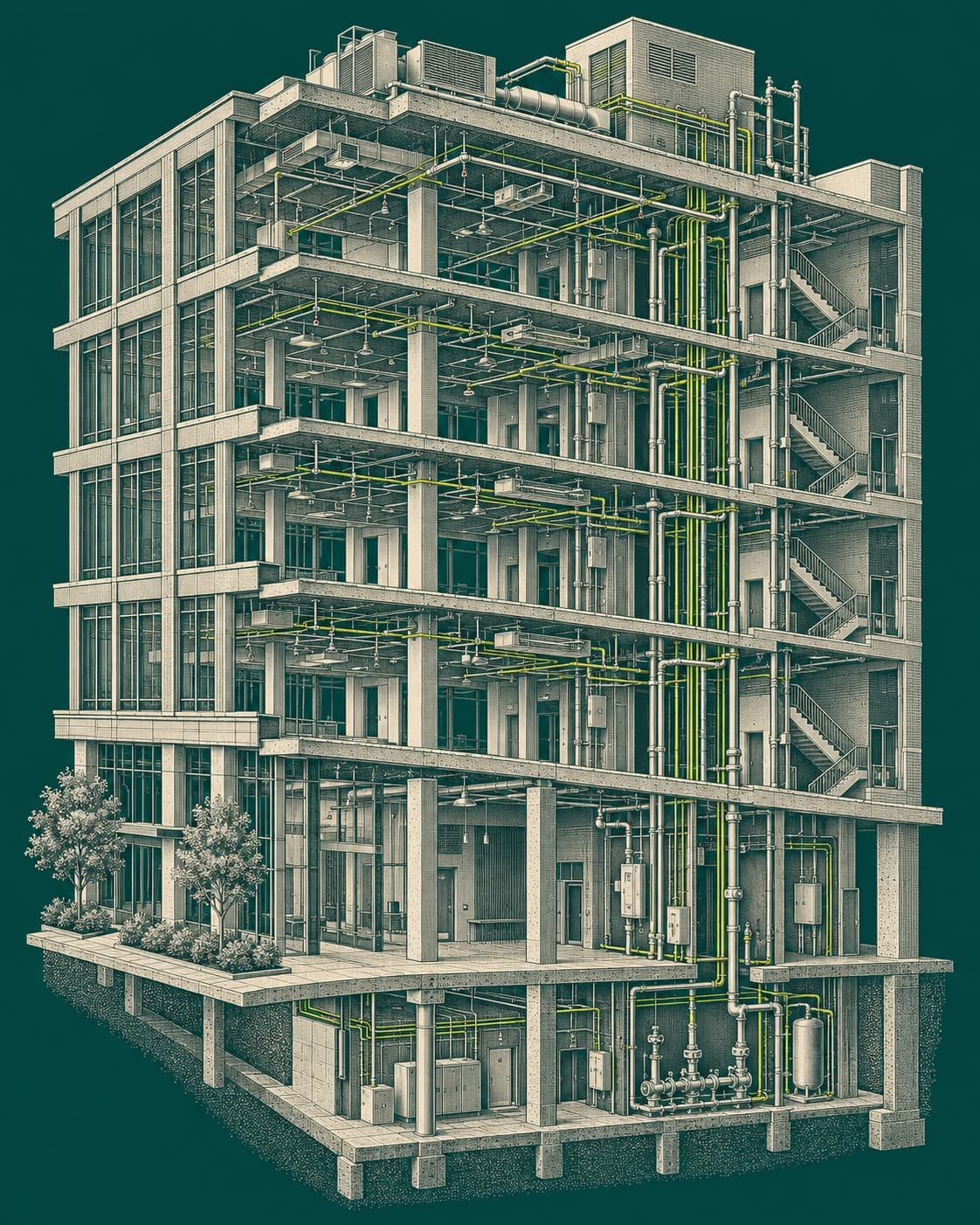

Contractor command center

Every job, one controlled operational record.

FieldVero turns contractor work into a traceable workflow from signal to invoice.

FieldVero connects signals, service cases, dispatch, technician proof, inspection reports, deficiencies, estimates, billing, and client history without making the office rebuild the story by hand.

  • Signals become owned cases

    Monitoring events and service requests are tied to a site, system, account, and next step.

  • Field proof stays attached

    Photos, notes, device findings, signatures, and reports travel with the job record.

  • Billing gets the story

    Deficiencies, estimates, invoices, and client history are connected before closeout.

Operational command centerSignal received

Service Case FV-2048

Harbor Medical panel fault and inspection response

Monitoring signal · Crew B rolling · Report, deficiencies, and billing on one record

SLA risk

47m visible

01

SLA risk isolated

06

crews active

04

ready to bill

Monitoring

Signal received

Trouble event matched to Harbor Medical panel

Dispatch

Crew rolling

Crew B assigned with site context and access notes

Report

Sent. Signed. Done.

Inspection proof reviewed before customer release

Billing

Invoice generated

Finance gets the completed story, not a reconstruction project

The job record stays complete

Signal, dispatch, technician evidence, reviewer signoff, customer report, deficiency status, and invoice stay traceable.

Operations board
Sunday, May 31
West District
Today
Command view
At Risk
02
Fairview Clinic
SLA risk
Monitoring trouble signal
SLA risk · 47mEscalated
Northline Storage
Needs attention
Report missing reviewer
Hold before releaseOffice review
Rolling
06
Bay Center Tower
Active
Annual alarm inspection
Crew rollingCrew A
Harbor Medical
On track
Panel fault service call
Tech on siteCrew B
Ready To Bill
04
Riverview Lofts
Active
Completed inspection
Report signedCloseout
South Annex
Queued
Access control repair
Invoice generatedFinance

Signal-to-invoice workflow

Signal to invoice, without losing the thread.

Follow one job as it moves from first alert to final billing. The point is not another dashboard; it is fewer handoffs, fewer missing facts, and a record the office can trust.

Workflow proof

Five handoffs that stay attached to the job.

Traceable
  1. 01Signal

    Signal becomes service case

    Monitoring events and service requests become structured cases tied to the correct site, system, account, and history.

    Owned
  2. 02Visit

    Scheduled visit becomes work record

    Dispatch, technician assignment, access notes, scope, and customer communication stay connected to the field work.

    Scheduled
  3. 03Proof

    Tech proof becomes report

    Photos, notes, device findings, test results, and field activity become usable documentation instead of scattered attachments.

    Reviewed
  4. 04Money

    Deficiency becomes estimate

    Failed items, repair needs, and follow-up work move directly into estimates, proposals, and billing workflows.

    Quote ready
  5. 05Client

    Client portal shows history and action

    Customers see service history, reports, invoices, deficiencies, and next steps without calling the office for every detail.

    Visible

Why FieldVero is different

Built for contractors where closeout actually matters.

Generic field service tools can help schedule jobs. FieldVero is built for fire, life-safety, and security work that still needs reports, deficiencies, client handoffs, and billing to close cleanly.

  • Generic tools stop at scheduling

    For closeout-heavy contractors, the job is not done when the truck is assigned or the technician leaves.

    Not enough
  • System context changes the work

    Fire alarm, sprinkler, access control, CCTV, intrusion, and monitoring work all need site, system, and device history.

    Context
  • Closeout is where trust is earned

    The record needs usable reports, tracked deficiencies, client history, and billing context before the office can move on.

    Complete
Fire alarmSprinklerAccess controlCCTVIntrusionMonitoring

Closeout record

The job keeps moving after the visit.

Live

Record

Service case stays central

The site, system, customer, visit, and scope stay visible

Owned

Proof

Field evidence lands cleanly

Photos, notes, tests, signatures, and device findings stay attached

Captured

Review

Reports become usable

Office review catches gaps before the client package goes out

Ready

Money

Deficiencies move forward

Repair needs become estimate-ready instead of buried in a PDF

Quote ready

Built for real operations

Fire, security, and life-safety work has real closeout pressure.

FieldVero is built for fire alarm, sprinkler, access control, CCTV, intrusion, monitoring, inspections, reports, deficiencies, and closeout-heavy work.

FA-72

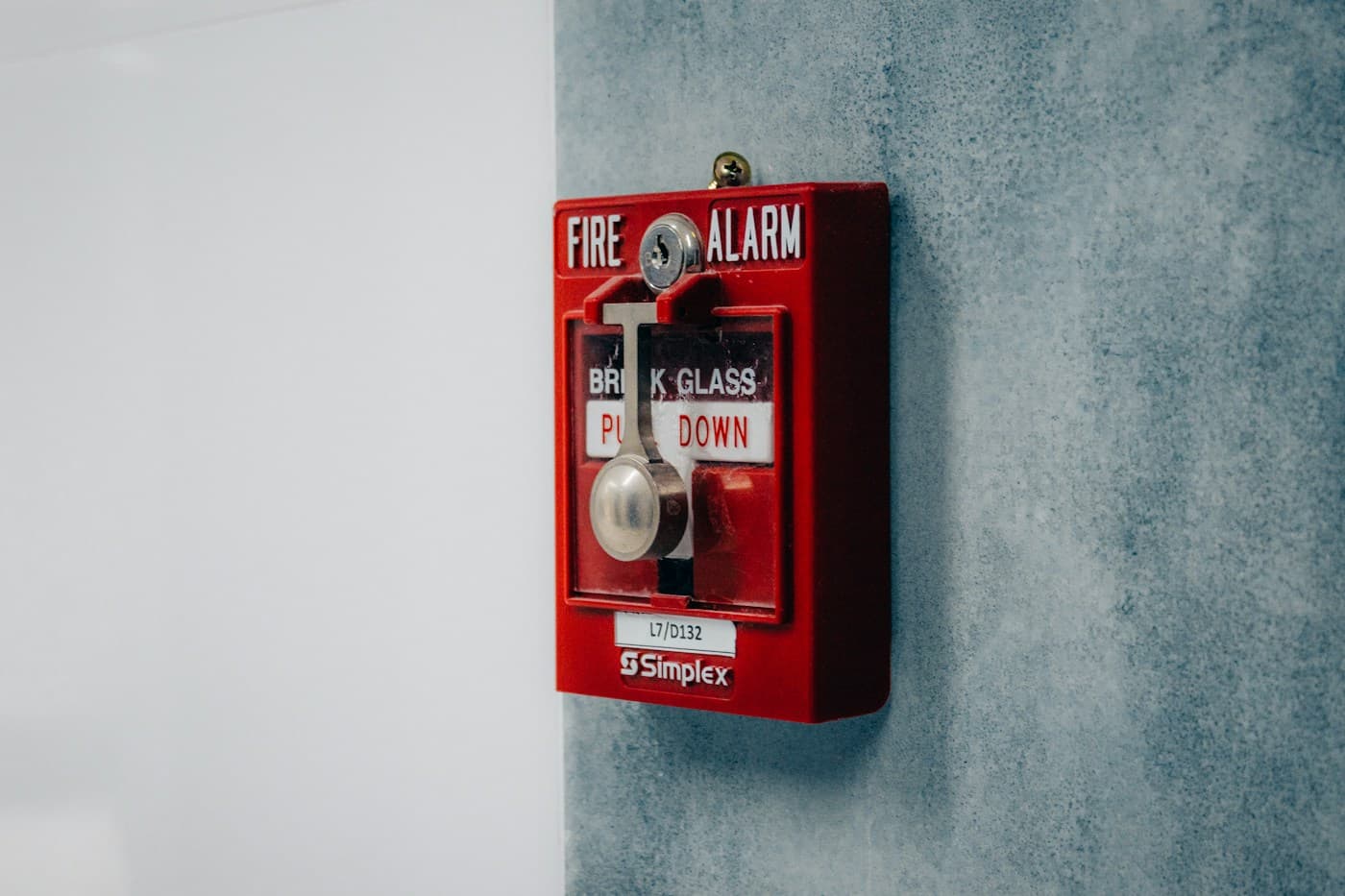
Fire alarm

Annual testing, device evidence, deficiencies, and report release.

SPR

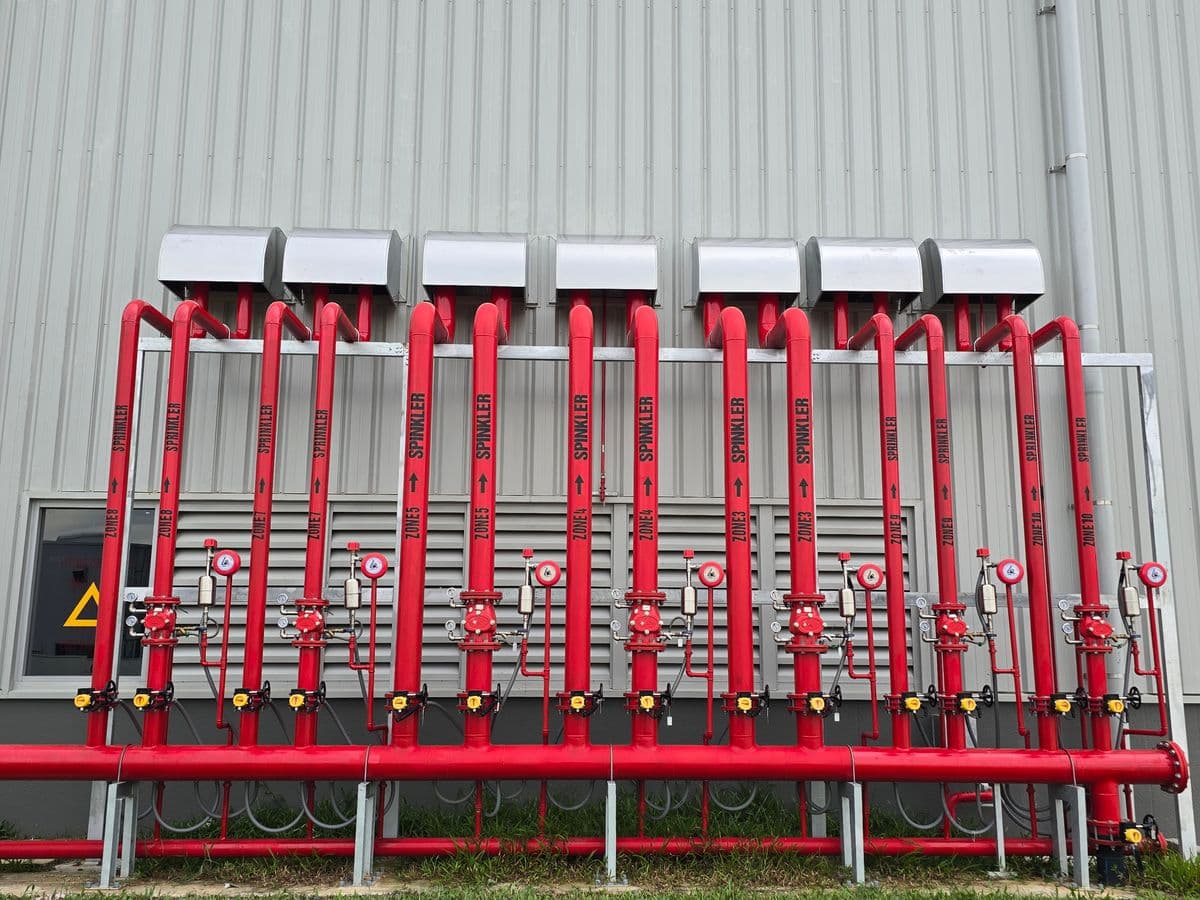
Sprinkler

Valve tours, impairments, follow-ups, and service history.

ACS

Access

Doors, panels, credentials, schedules, and customer proof.

CCTV

Video

Camera service, recorder work, blackout notes, and closeout.

INT

Intrusion

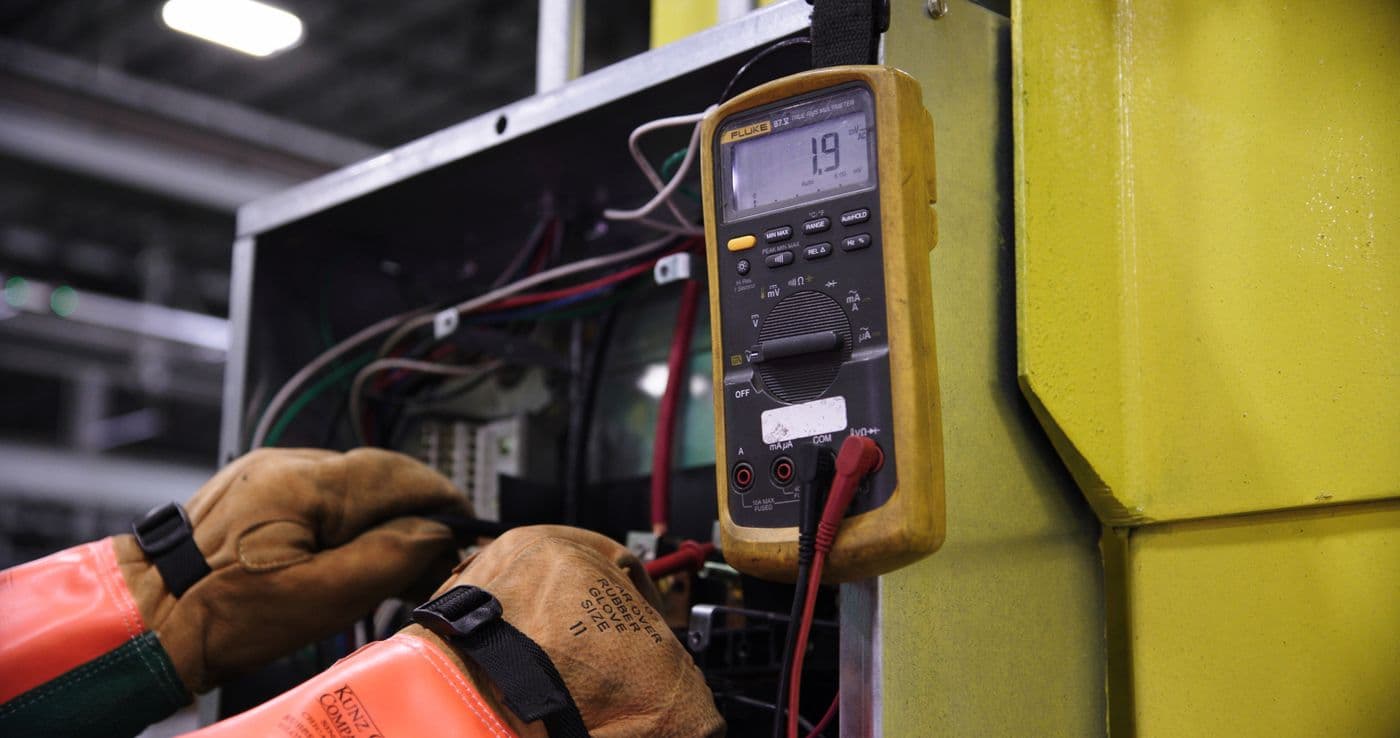
Panels, zones, monitoring context, batteries, and walk tests.

TURN

Commissioning

Acceptance test evidence, punch items, and owner-ready packages.

Construction site with structural work and safety planning contextFire alarm

Inspections, testing, and open items—stayed tied to the building, not a binder.

Schedules, sensitivity work, and annual programs should live on the site record. FieldVero keeps the next due date, open deficiencies, and technician proof on the same job your office already watches.

  • Dispatch shaped around inspection and service windows
  • Photos and notes on the service record, linked to the devices and zones that matter
  • Review sees changes before reports go to the inspector or the customer
Fire sprinkler heads in a commercial ceilingFire sprinkler

Valve tours, impairments, and testing—with a trail the office can defend.

From drain tests to valve rounds and temporary impairments, sprinkler work needs clean handoffs. Techs log what they found; the office sees what is still open before the system is back in service and the job is closed.

  • Status that reflects real riser and valve work—not a vague “done” flag
  • Impairments and follow-ups visible before you clear the job
  • History on the record for the next visit or audit question
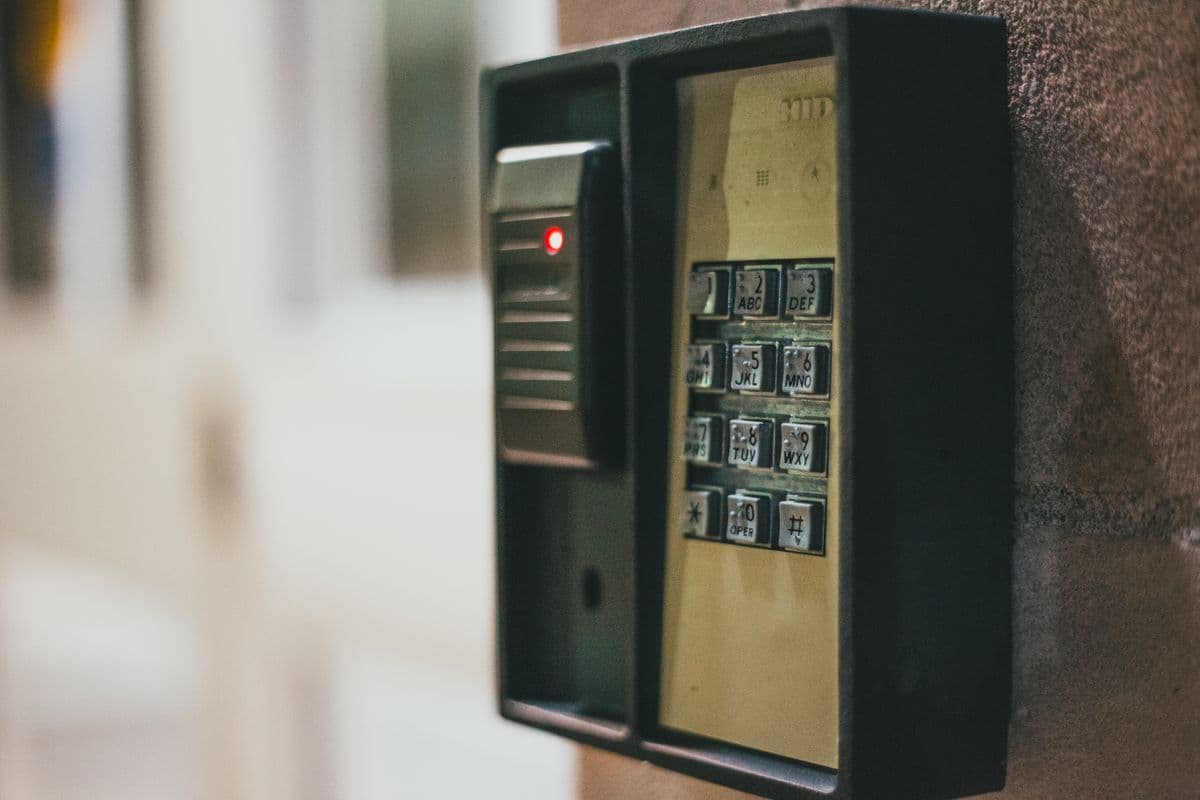
Person using a security keypad on a building entranceAccess control

Doors, panels, and credentials—scheduled and documented like any critical visit.

Firmware updates, reader replacements, and credential changes belong on the dispatch board. FieldVero lines up access work with the same discipline as your other routes, so security reviews and customer reporting stay in sync.

  • Scheduling that respects doors, tenants, and site rules
  • Proof on the service record instead of scattered texts and photos
  • Packages that show what changed, when, and who did the work
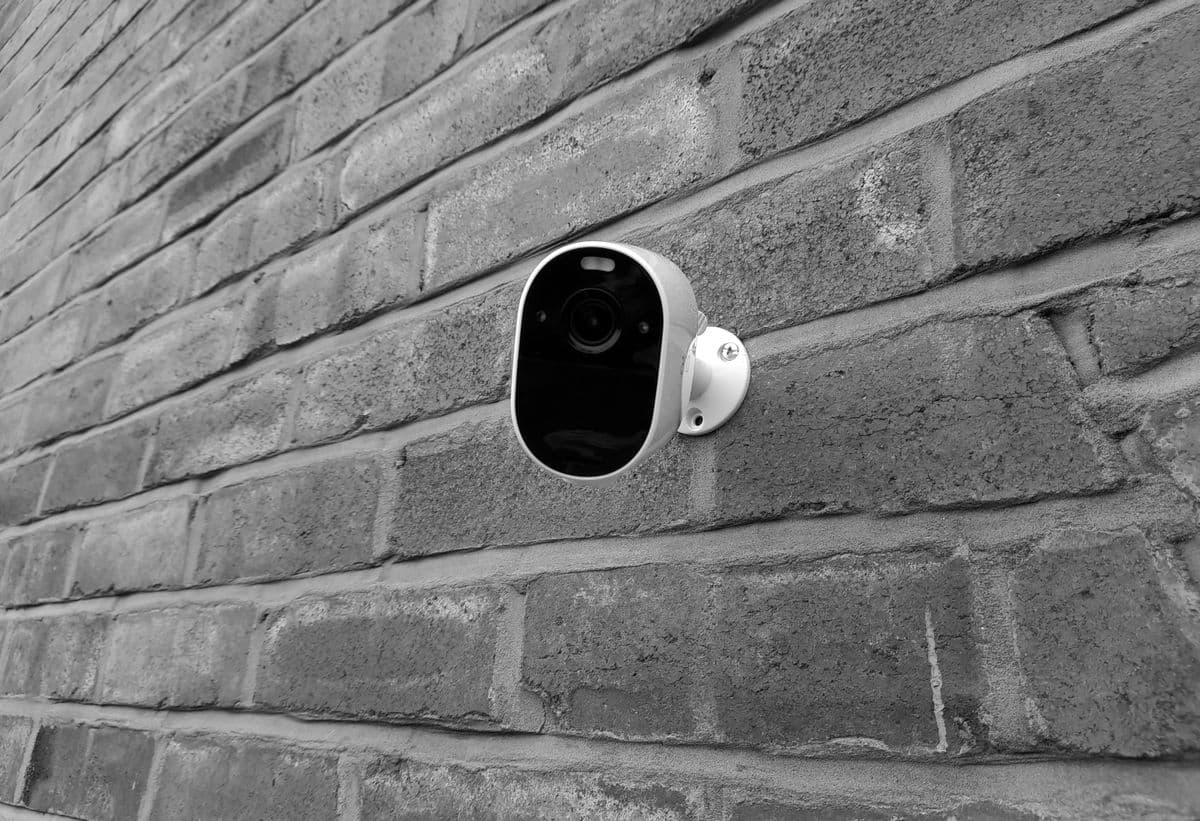
Security cameras mounted for building surveillanceVideo surveillance

Camera and recording work—tracked next to access and alarm service.

Service calls for cameras, cable, recording gear, and after-incident checks are still field jobs. FieldVero keeps those visits on the same board as the rest of security work, with notes and photos reviewers can trust.

  • Dispatch that fits site zones, recorders, and customer blackout rules
  • Install and service notes on the job—not lost in a side thread
  • Closeout that shows what was verified before monitoring or the client hears about it
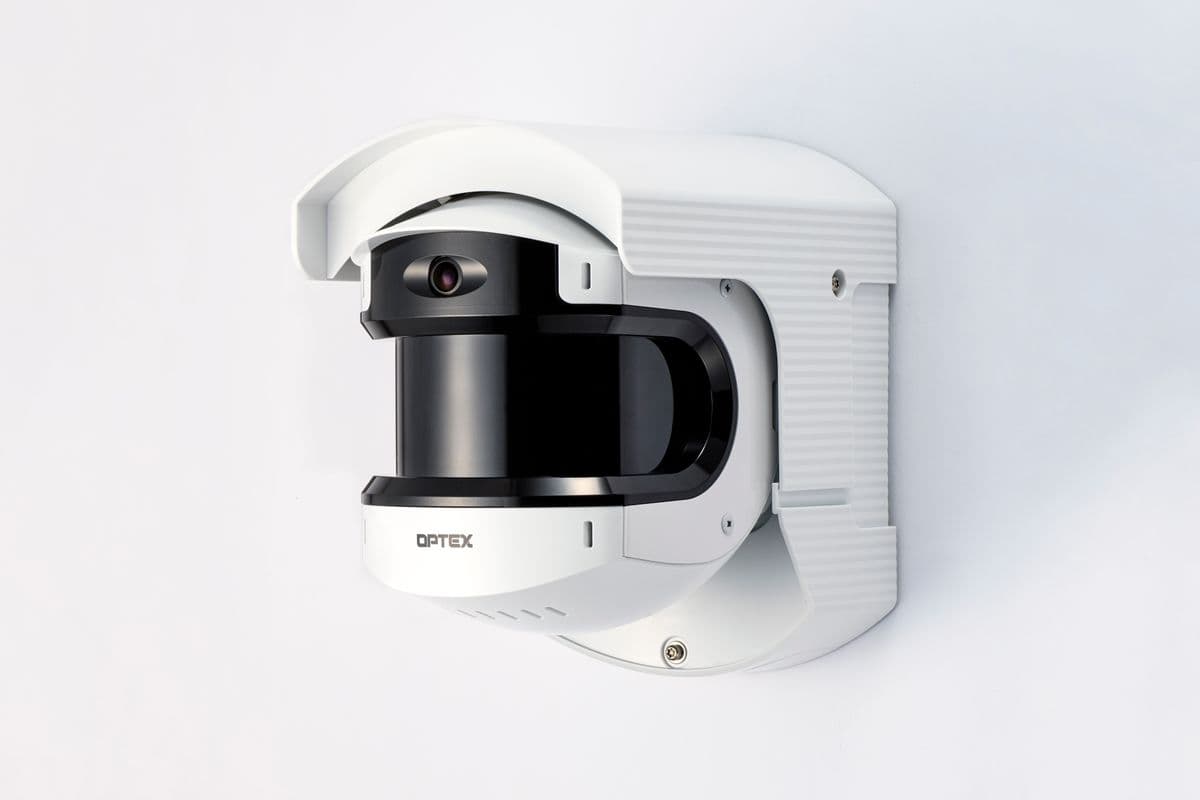
Electronic security keypad and intrusion alarm hardwareIntrusion alarm

Panels, zones, and monitoring—same discipline you expect on life-safety routes.

Trouble runs, batteries, walk tests, and programming changes need a clear story. FieldVero ties intrusion work to the site and panel your office already tracks, so the central station and the customer get consistent answers.

  • Service records with zone, panel, and monitoring context built in
  • Notes and test results visible before the job is released
  • History that carries forward for the next truck roll
Engineer inspecting industrial systems and documentationCommissioning

Startup and turnover docs that survive a real owner review.

Acceptance testing produces a lot of evidence fast. FieldVero keeps results and exceptions on the right panel, circuit, and visit so engineering review and client signoff stay clear.

  • Structured capture for tests, punch items, and signoffs
  • Office sees gaps before the job is marked complete
  • Asset history ready for the first service call after turnover
Team coordinating work with a tablet on siteMulti-trade sites

One calendar when fire, sprinkler, access, video, and intrusion all show up the same day.

Big sites are where spreadsheets break. A single operating record helps coordinators catch conflicts before trucks roll—and gives the client one coherent story at closeout.

  • One board for shared days and real-world site constraints
  • Techs open the job with context—without a full office re-brief
  • Summaries leadership can use without rebuilding three systems by hand

FieldVero is not a generic FSM with a prettier dispatch calendar.

Dispatch, field proof, monitoring, reports, invoices, and customer coordination stay tied to the job whether today is inspections, impairments, door work, cameras, alarm service, or all of it at once.

The real product is control: every team working from the same job record. The office knows what is happening without chasing everyone, and customers get clean proof instead of scattered updates.

Fire sprinkler heads in a commercial ceiling
Person using a security keypad on a building entrance
Engineer reviewing equipment in an industrial facility

Fire & sprinkler · Video · Intrusion · Access · Industrial & multi-site

Office visibility

Leadership can see which jobs are moving, blocked, or ready for review.

Exceptions get reviewed

SLA risk, missing proof, and report holds surface before they become customer calls.

Clients see proof

Reports, handoffs, and customer-facing packages feel organized because the record is complete.

Plans

Pricing scoped around how your operation works.

FieldVero pricing depends on team size, branches, inspection volume, modules, and operational complexity. Every contractor runs differently, so pricing starts with how your company actually works.

Starting / small shop

Starter

For small contractors moving beyond spreadsheets, scattered documents, and memory-based operations.

Contact sales
Prove value without over-buying.
  • Service Cases, Work Orders, Visits, client management, and a basic dispatch board
  • Manual estimates with PDF proposals and estimate-to-invoice conversion
  • Basic invoicing, payment tracking, inspection scheduling, and inspection reports
Growing service company

Professional

For growing service teams that need dispatch, inspections, reporting, closeout, and billing connected in one workflow.

Contact sales
Run the business on one operating model.
  • Everything in Starter
  • Dispatch recommendations, SLA prioritization, crew assignment suggestions, and readiness scoring
  • Estimate Assistant, pricing intelligence, approval workflows, and proposal engine
Serious operation

Enterprise

For multi-branch, compliance-heavy contractors with monitoring, inspections, reporting, customer portals, advanced workflows, and operational oversight.

Contact sales
Multi-branch programs and strict governance.
  • Everything in Professional
  • AI operations intelligence, predictive costing, and anomaly detection
  • Multi-branch operations, system intelligence, and advanced compliance analytics
How plans differ

Contact sales should feel scoped, not vague.

Starter stays lean for small crews. Professional connects dispatch, inspections, closeout, and billing. Enterprise adds monitoring, governance, customer portals, and advanced oversight.

Starter
  • Quick qualification
  • Small teams
  • Straightforward setup
Professional
  • Sales quote
  • Standardizing operations
  • Workflow alignment
Enterprise
  • Contact sales
  • Custom scope
  • Security & deployment planning
Contact

Tell us about your operation.

A few details on branches, crew size, and compliance load help us respond with something useful—often within one business day.

  • Starter — small teams leaving spreadsheets behind.
  • Professional — standardizing dispatch and closeout.
  • Enterprise — contact sales for scoping and onboarding support.
Person using a security keypad on a building entrance

We tailor the conversation to your branches, compliance load, and how your crews work day to day.

support@fieldvero.comWeekdays · North American business hours
FieldVero
FieldVero access desk

What should we know first?

A FieldVero team member reviews this before setup, activation, or payment steps.

Review before activationSales-confirmed setup

Check the box above to send your message.

Ready when you are. Request access in a few minutes.
Request access