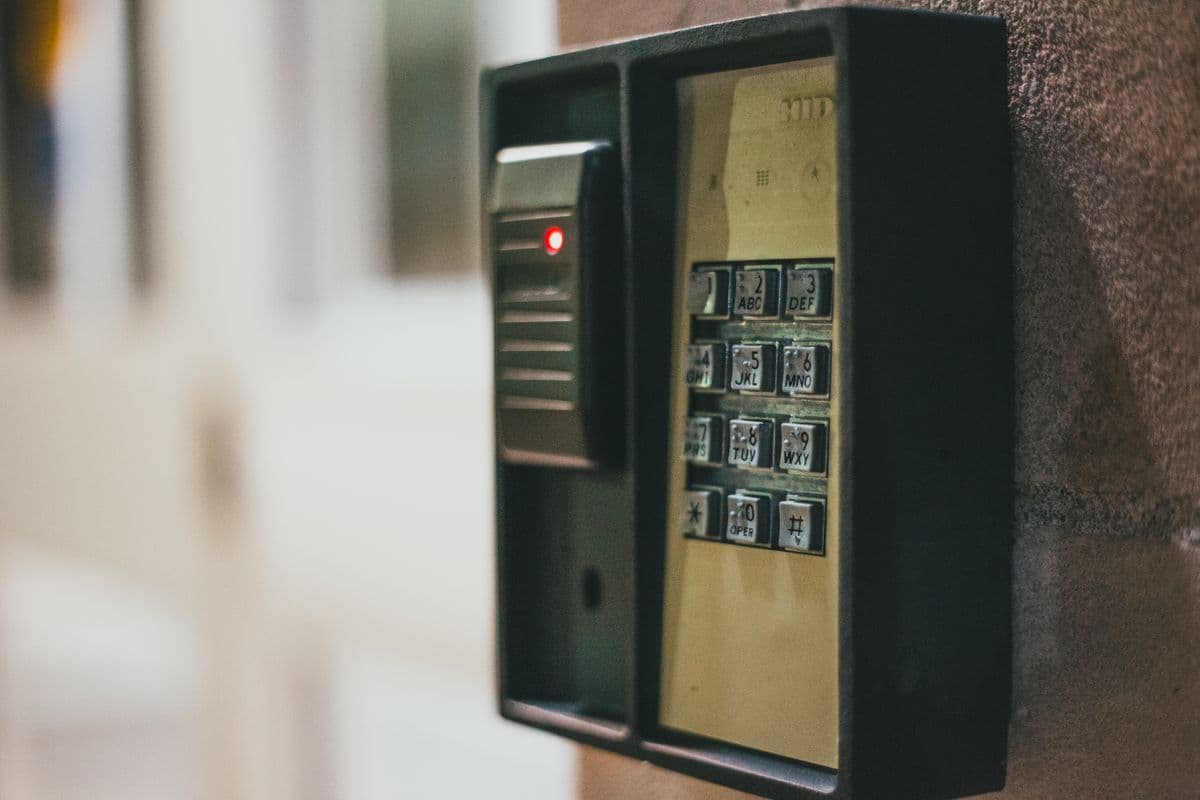
Door, reader, and panel records
Keep equipment details and service history with the customer site so the next technician can see what was worked on before.

FieldVero helps access control contractors schedule work, give technicians the right site details, document changes, track equipment, and keep customer reports and billing tied to the job.
Access control service records
Access control work can involve many doors, devices, contacts, and site rules. FieldVero keeps the service request, affected equipment, field documentation, and next office action together.
Keep equipment details and service history with the customer site so the next technician can see what was worked on before.
Send the technician with the customer contact, access hours, affected doors, and reason for the visit attached to the job.
Document replacements, adjustments, test results, and customer signoff while the details are still tied to the visit.
Review the completed work, prepare customer documents, quote follow-up work, and bill from the same job history.
How it works
Each step adds to the same job record, so the office does not have to rebuild the visit from texts, photos, and technician notes.
Start with the customer request and identify the affected entrance, equipment, contact, and timing requirements.
Keep the assignment, access instructions, and work details attached to the original request.
Photos, notes, parts, tests, and customer signoff remain with the service visit for office review.
The office can review the visit, prepare documents, quote additional work, and invoice without starting over.
Best for
Related FieldVero tools
See how camera, recorder, and related network service stays connected to the job.
See how FieldVero connects service, inspections, reports, estimates, and billing.
See how technicians receive job details and return complete field records to the office.