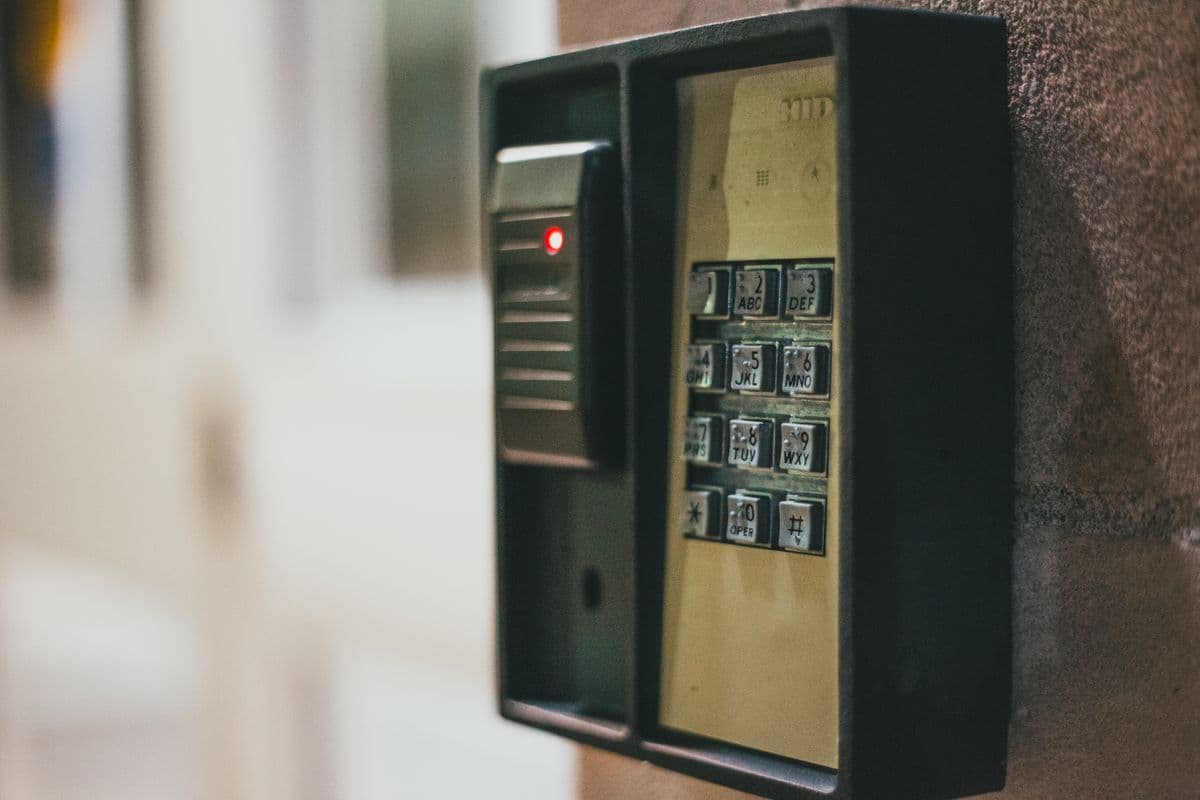
Person using a security keypad on a building entrance
Security and safeguards

Prevent duplicate work and unauthorized changes before they happen.

FieldVero checks company access, user permissions, job status, and office approval before important records change.

Built-in safeguards

FieldVero checks the person, permission, and current job before saving an important change.

These checks help keep each company’s records separate, stop repeated actions, and show the office what changed and who approved it.

Company and role access

Protected records require the signed-in company account and the right user role or permission.

Job safeguards

Required field documentation, job status, and office approvals are checked before protected work is completed.

Duplicate protection

Before an automated task runs again, FieldVero checks whether the action already happened.

Activity history

Decisions, stop reasons, import results, and final approvals remain available for review.

How it works

Important changes pass four checks before they are saved.

FieldVero confirms the signed-in account, user permission, current job status, and final result.

01Sign in

Confirm the company account and user.

The check starts with the signed-in account and the record being changed.

02Check access

Confirm the user can make this change.

Technician and office responsibilities remain separate when office approval is required.

03Check job

Confirm the job is ready.

Required field documentation, customer responses, and conflicting changes are checked before completion.

04Save history

Record the result and reason.

The activity history shows what happened, who acted, and why an automated action stopped.

Best for

For teams that need clear safeguards around important work.

Contractors separating field submission from office report approval and finalization.
Companies that need each signed-in account to see only its own customer records.
Teams running scheduled automation that must avoid duplicate actions.
Office leaders who need a clear explanation for imports, outreach, inspections, reports, and billing.